Armenia visa photos must be 35mm x 45mm (print) or 600×600 pixels (e-visa), taken within the last 6 months, on a plain white background, with your face covering 70–80% of the frame. Files must be JPG/PNG under 2000 KB. Non-compliance is the leading cause of visa rejection.
What Are the Photo Requirements for an Armenia Visa Application?
Armenia visa photo requirements mandate a recent color photograph (taken within 6 months) on a plain white or light-colored background. The photo must be 35mm x 45mm for print applications or 600×600 pixels for e-visa submissions. Your face must occupy 70–80% of the frame with no filters, shadows, or digital alterations. Failure to meet these specifications is a primary cause of visa rejection or processing delays.
Whether applying for a sticker visa or an e-visa, lighting and facial positioning standards are identical. A plain white or light-colored background is required to ensure high contrast with your features. Photos that do not meet these standards result in administrative delays or outright refusal.
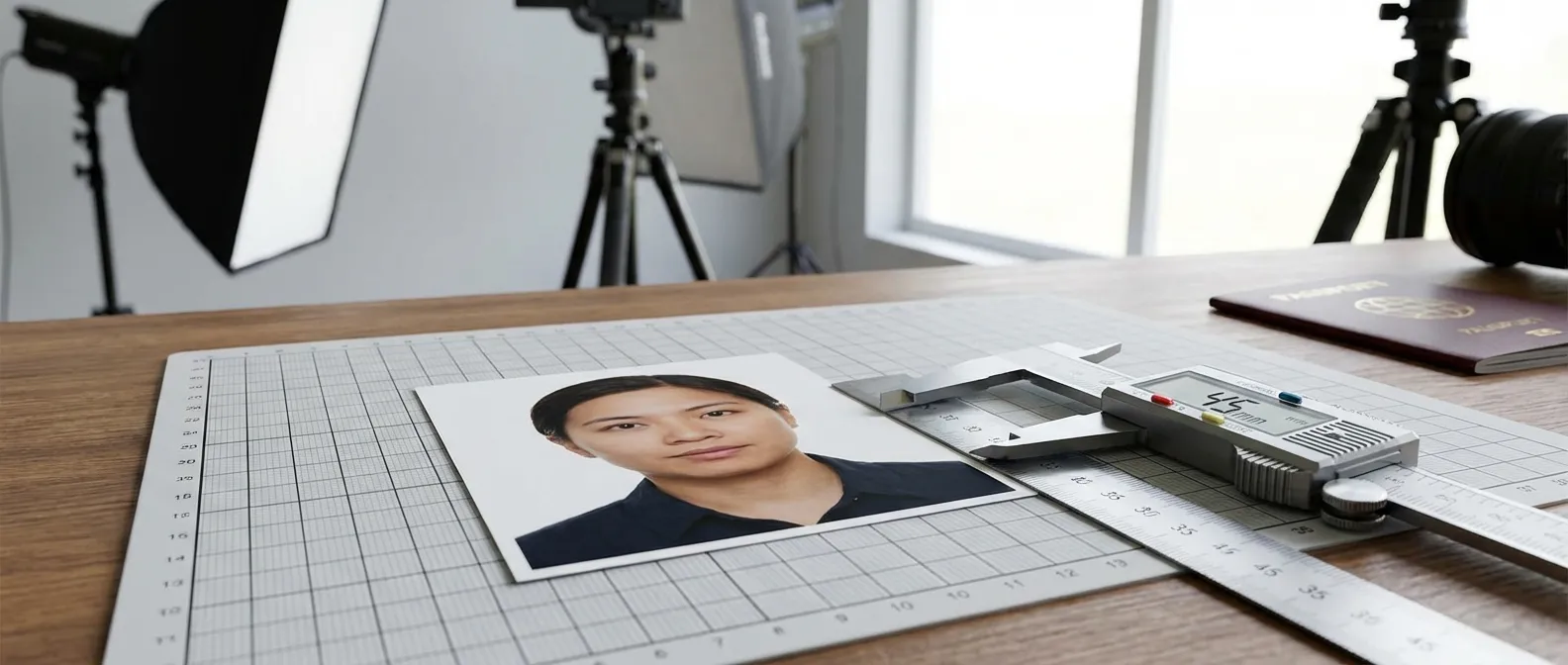
Photo Size and Dimensions: 35mm x 45mm
Print applications require a photo measuring exactly 35mm x 45mm (width by height) — the standard passport-sized format used across European and CIS countries. The photo must not be trimmed smaller than these dimensions and must have no borders. Print on high-quality matte or glossy paper to preserve image resolution.
The 35mm x 45mm format ensures the image fits precisely onto the visa application form. Any deviation from these dimensions will result in rejection.
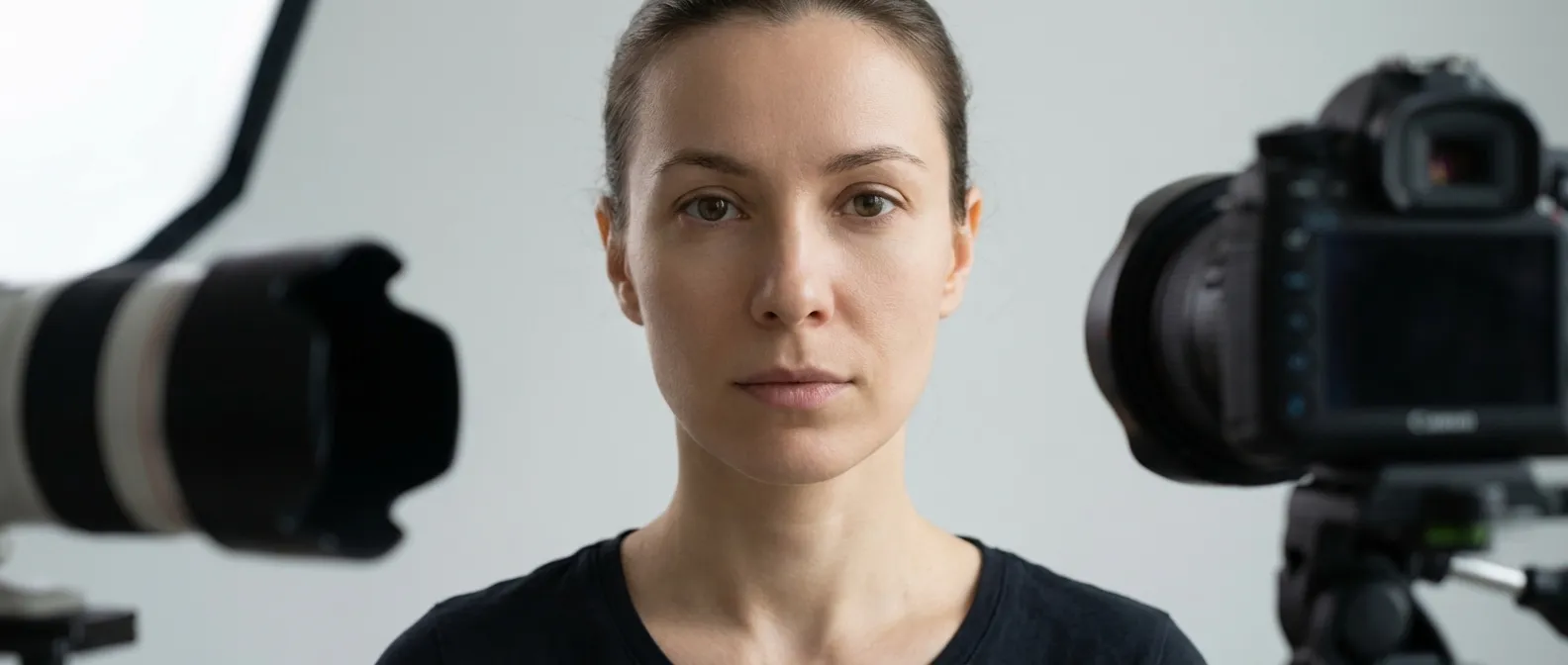
Face Coverage and Head Size Ratio (70–80%)
Your face must occupy 70–80% of the total photo height. The head (measured from top of hair to bottom of chin) must be 30–32mm tall, with approximately 10% blank space above the head to prevent the hair from being cut off. This ratio ensures biometric features are large enough for facial recognition scanning.
The head-chin measurement of 30–32mm is the critical biometric threshold. Photos where the face is too small or too large in the frame are among the top 3 rejection reasons.
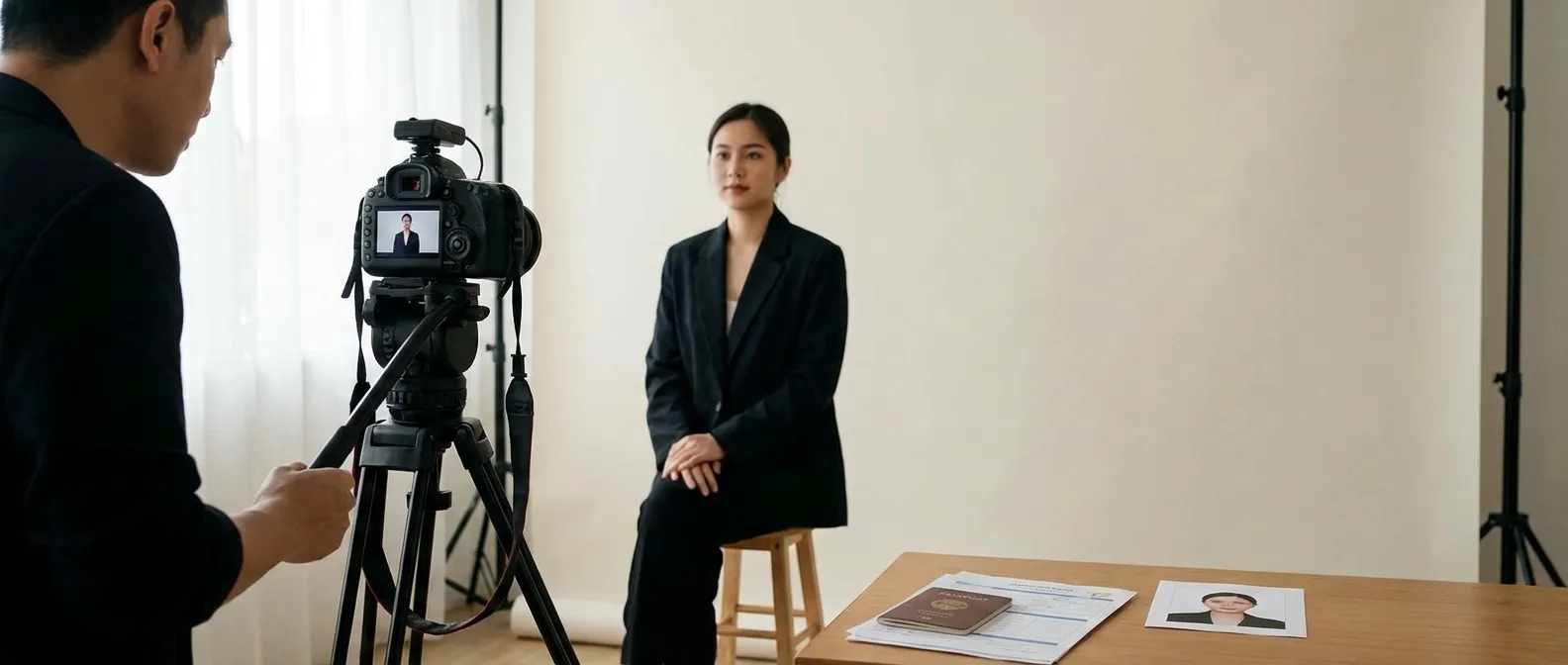
Background Color and Texture Rules
The background must be plain white or light grey with no patterns, shadows, or textures. Even lighting is required to prevent your shadow from falling on the wall behind you. A shadow-free photo with a flat, uniform backdrop is mandatory.
Light grey is acceptable only when there is strong contrast between the background and your hair and face. Any visible shadow on the background invalidates the photo.
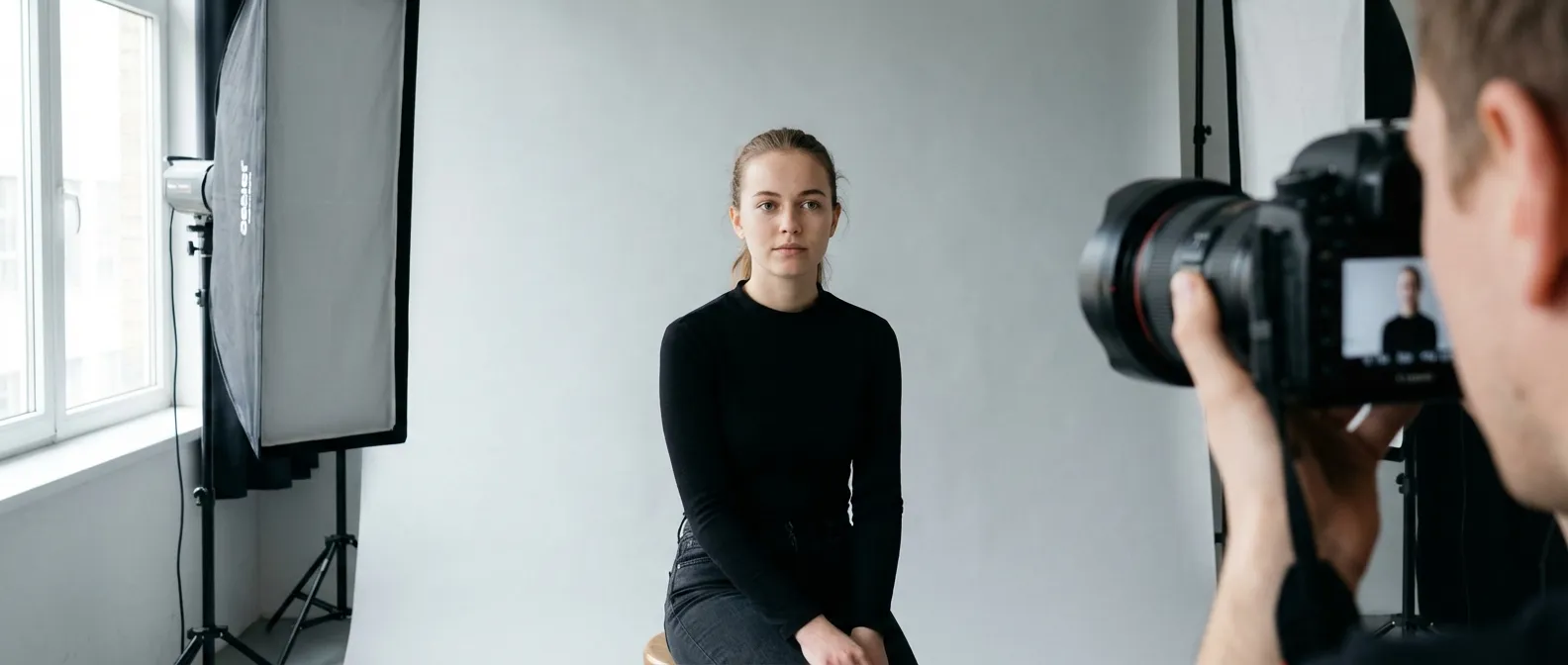
Head Position and Camera-Facing Orientation
Your face must be fully centered and looking straight into the lens — no tilting, turning, or side profiles. Both sides of your face must be clearly visible, and the line between your eyes must be parallel to the bottom edge of the photo.
Ears should be visible where possible, but hair must not cover the eyes or eyebrows. Any deviation from a straight, camera-facing position is grounds for rejection.
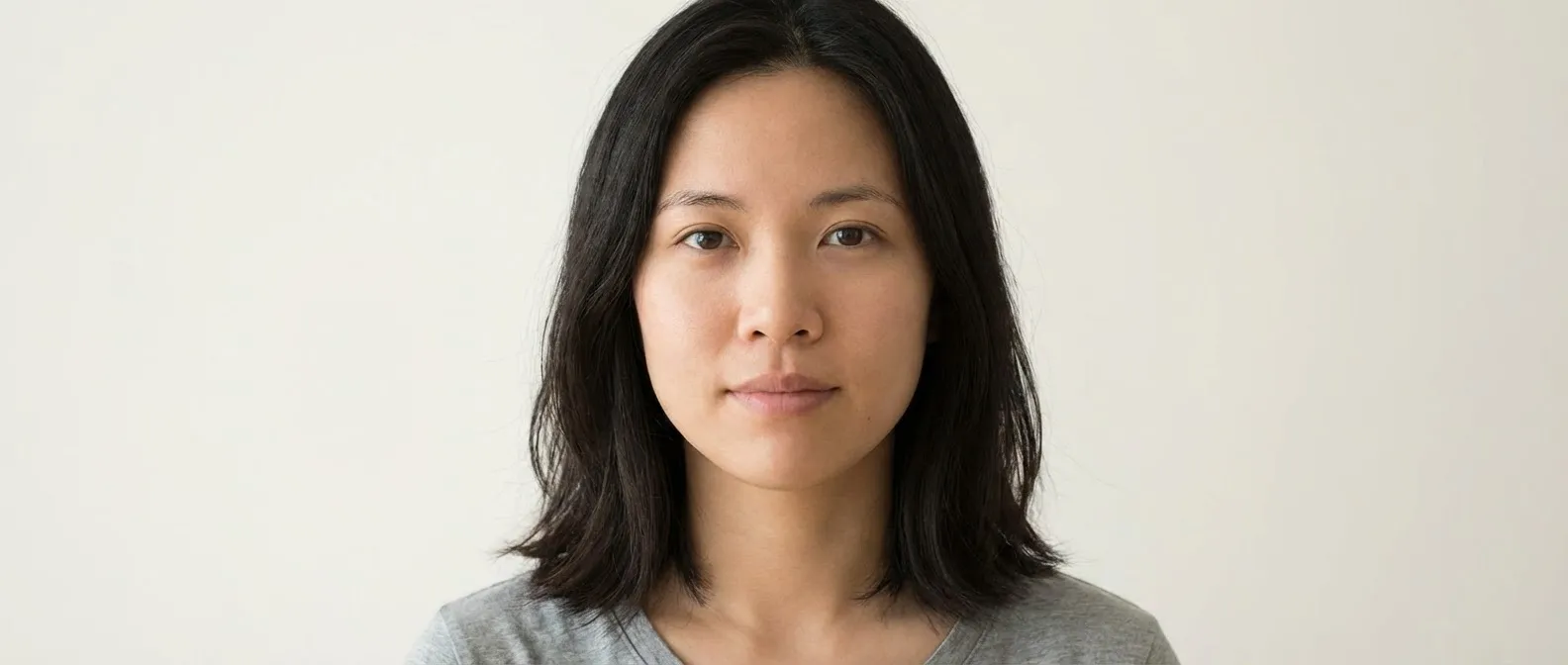
Facial Expression and Mouth Position
A neutral expression with mouth closed is required. No smiling, frowning, raised eyebrows, or squinting is permitted, as these distort biometric data points. Eyes must be open and looking directly at the camera.
The neutral, closed-mouth expression is a strict biometric standard. Even a slight smile alters facial muscle geometry enough to cause a mismatch in automated screening systems.
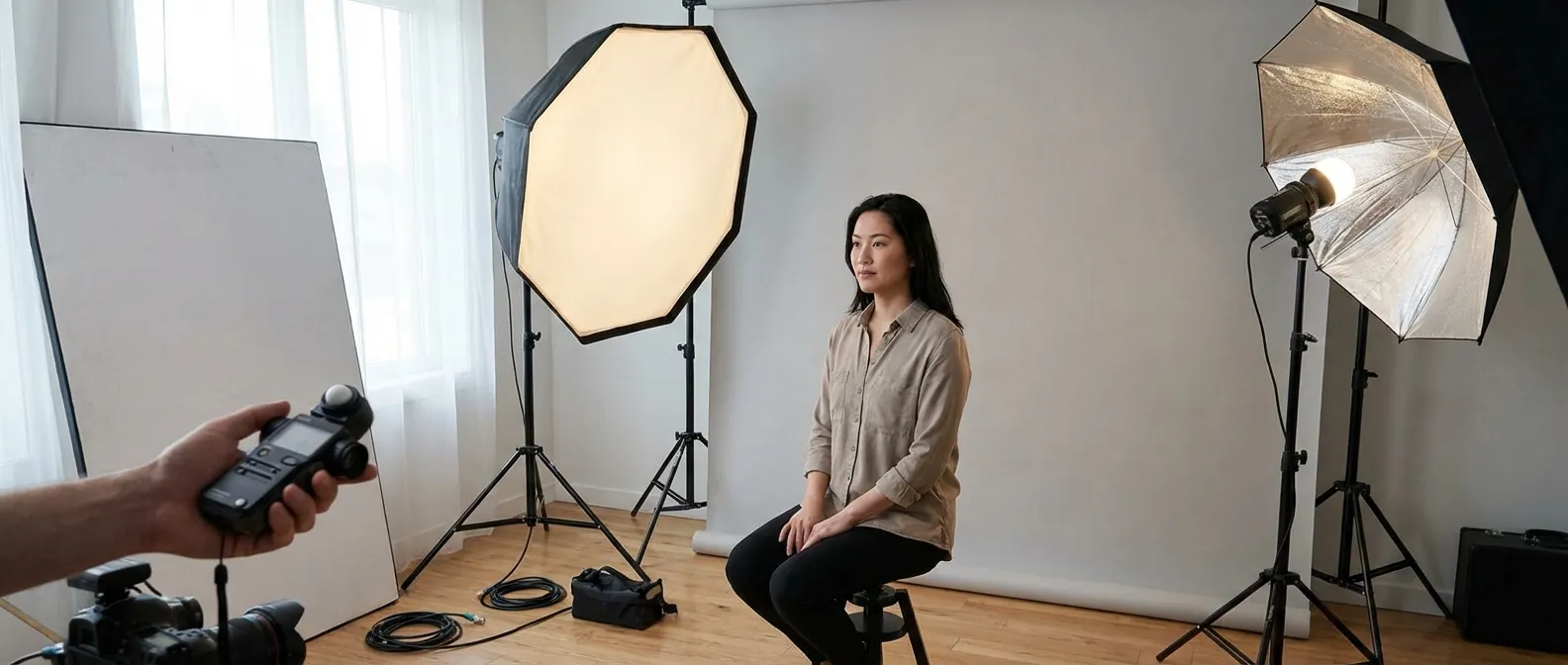
Lighting Standards: Even Lighting with No Harsh Shadows
Even, diffuse lighting with no harsh shadows across the face or background is required. The photo must be a color image with natural skin tones, free from flash glare, hotspots, or red-eye. Facing a window with natural light is the most reliable way to achieve uniform lighting at home.
Shadows obscure facial features and create false contours that confuse facial recognition systems. Avoid direct flash — use diffused natural or artificial light instead.
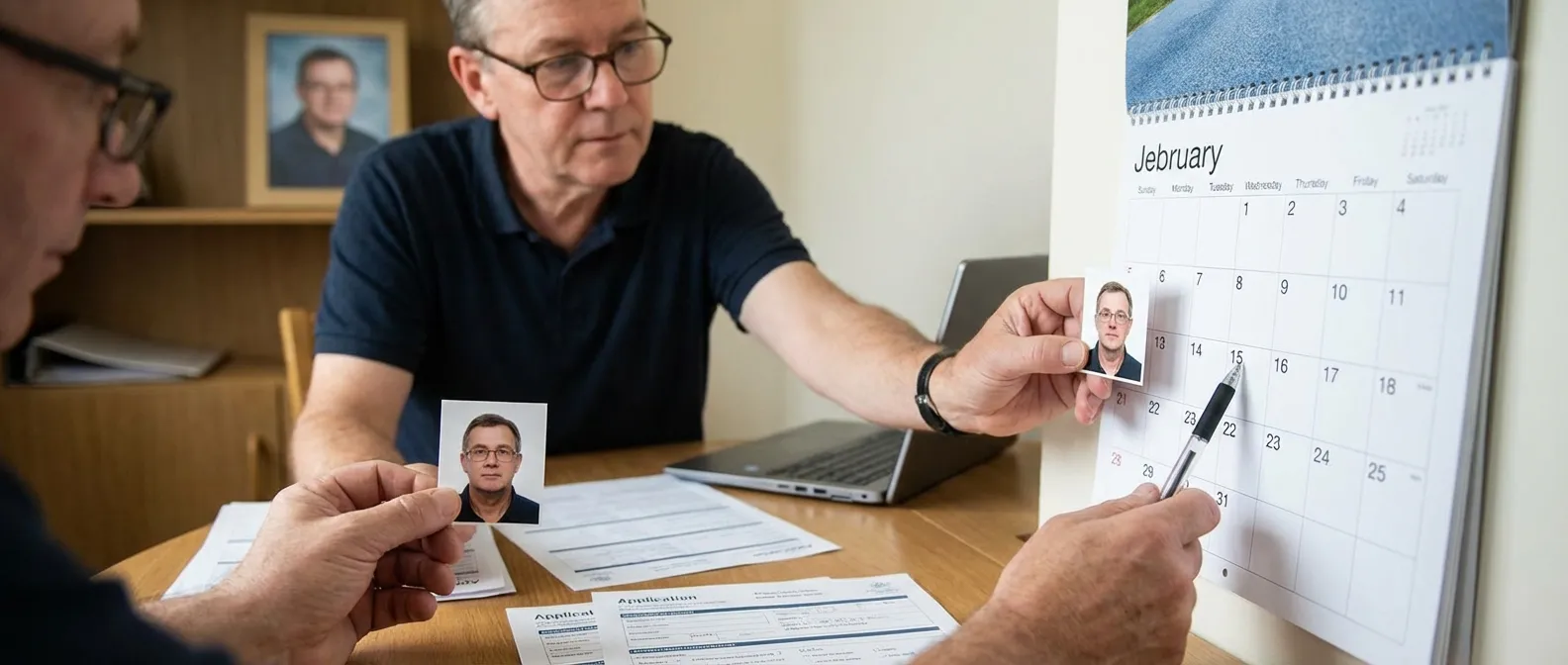
How Recent Must Your Armenia Visa Photo Be?
Your photo must have been taken within the last 6 months. If your appearance has changed significantly — due to weight change, facial surgery, or a new beard — take a new photo regardless of when the previous one was taken.
Submitting a photo older than 6 months is one of the most common causes of processing delays. Consular officers verify that the applicant matches the photo on the application.
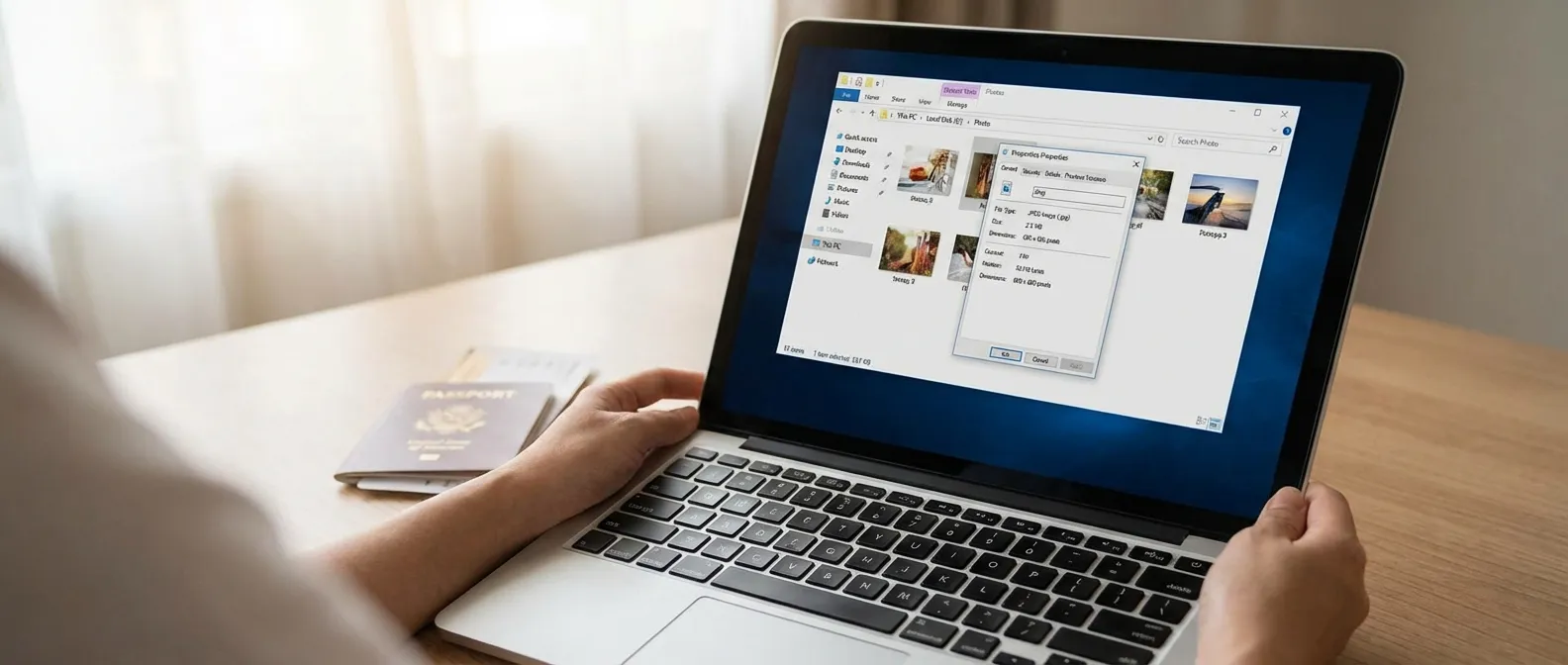
Digital Photo File Format and Size Limits
Accepted formats are JPG, JPEG, or PNG. File size must be under 120 KB for some portals, while e-visa systems accept files between 10 KB and 2000 KB. The image must be at least 600 dpi resolution — blurry or pixelated images are automatically rejected.
Ensure the file is not corrupted and opens on standard image viewers before submitting. A technically valid file that fails to open is treated the same as a missing photo.
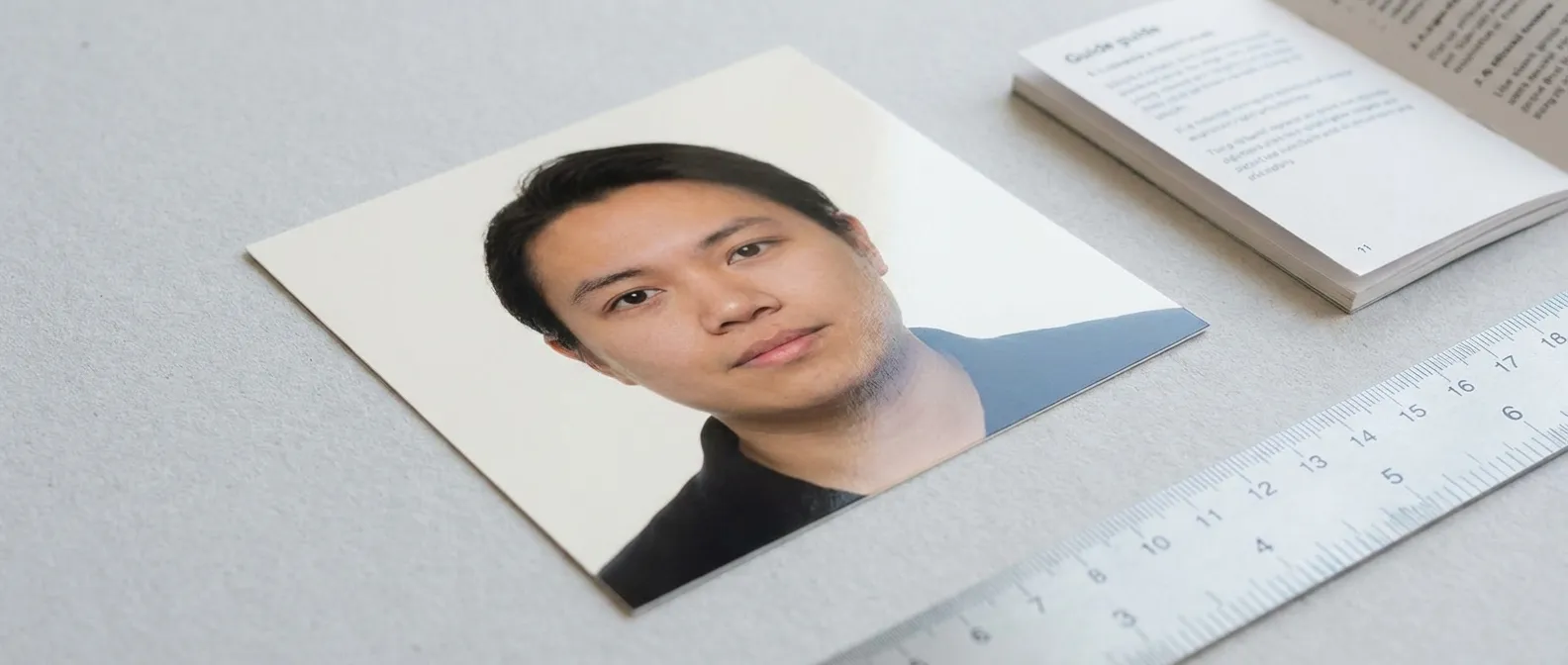
Armenia E-Visa Photo Specifications: 600×600 Pixels
The Armenia e-visa requires a square image of exactly 600×600 pixels. File size must be between 10 KB and 2000 KB. All facial positioning, background, and lighting rules from the print version apply equally to the digital submission.
The square format is a database requirement for the e-visa portal. Submitting a non-square image — even if it meets all other standards — will cause an upload error.

Can You Wear Glasses in an Armenia Visa Photo?
Glasses are not recommended. If worn, they must have no glare, must not cover any part of the eyes, and must not be tinted or dark. Sunglasses are prohibited unless for documented medical reasons. If flash reflects off the lenses, the photo will be rejected.
Removing glasses entirely is the safest approach. Eye visibility is the critical factor — any obstruction or reflection over the eyes results in automatic rejection.
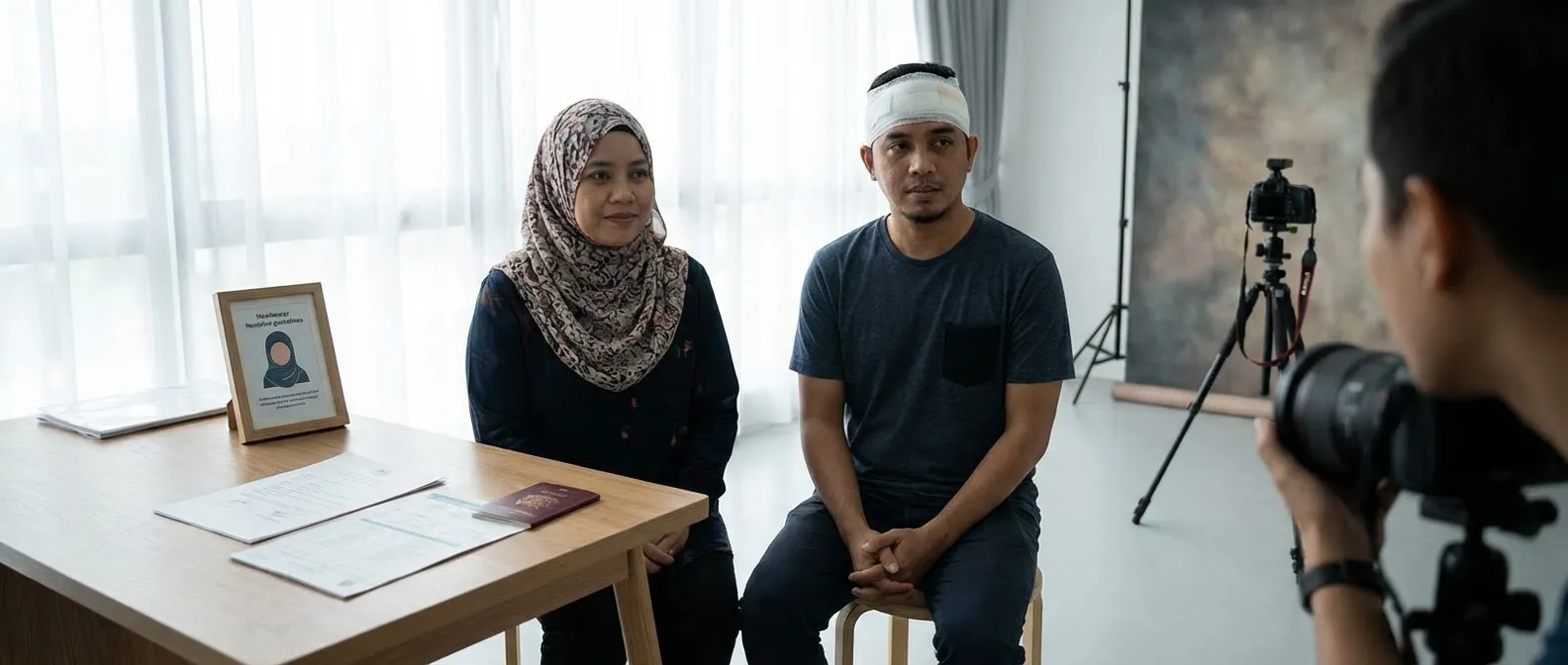
Headgear Rules for Religious or Medical Reasons
Headwear is prohibited except for religious or medical reasons. When worn, the full face must remain visible from chin to forehead, with no shadows cast on the face. No veil or facemask that covers any part of the face is permitted.
Religious head coverings must be worn continuously in public to qualify for the exemption. The full-face-visible rule applies without exception, even for religious attire.
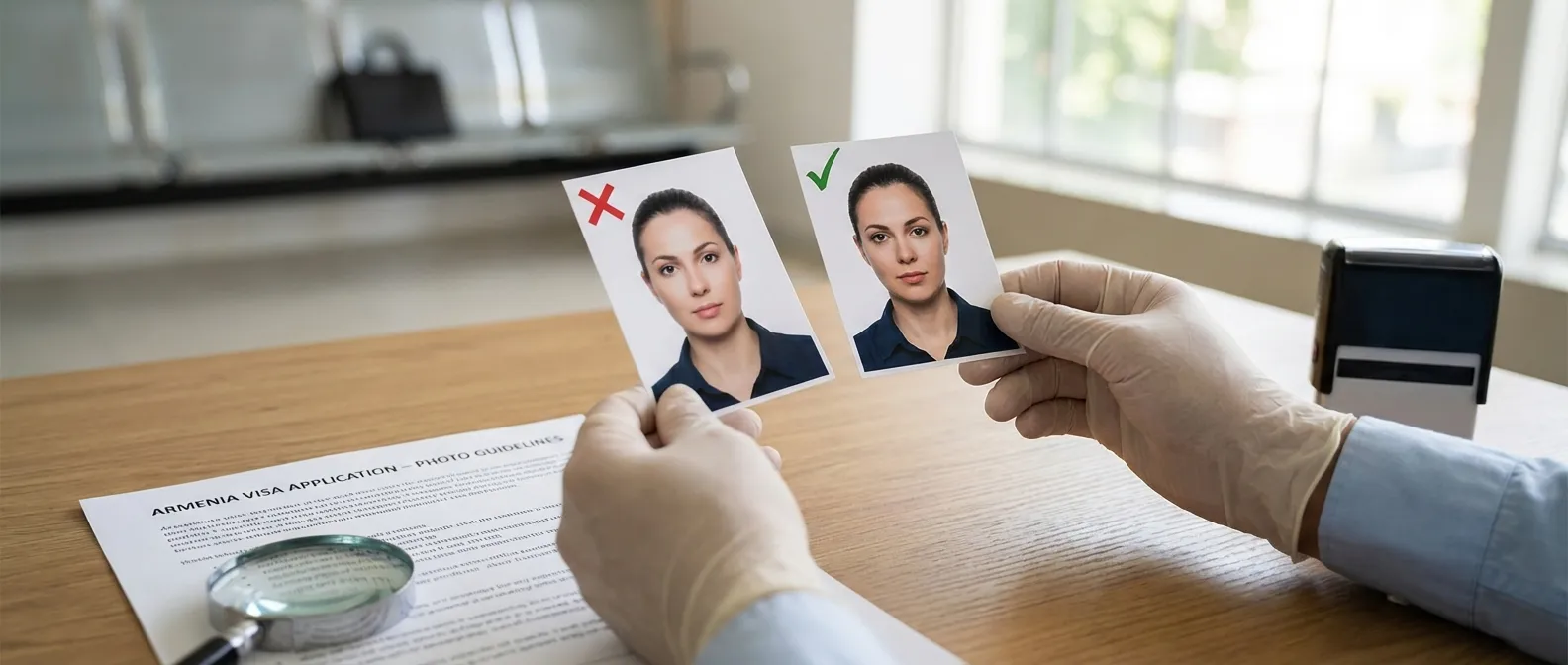
No Digital Alterations, Filters, or Borders Allowed
No digital filters, skin smoothing, background replacement, or borders are permitted. The photo must be an unaltered, true likeness of the applicant. Removing identifying marks such as scars or moles constitutes grounds for rejection.
Any evidence of photo editing that alters facial features — including AI-generated background removal that looks unnatural — will result in rejection.
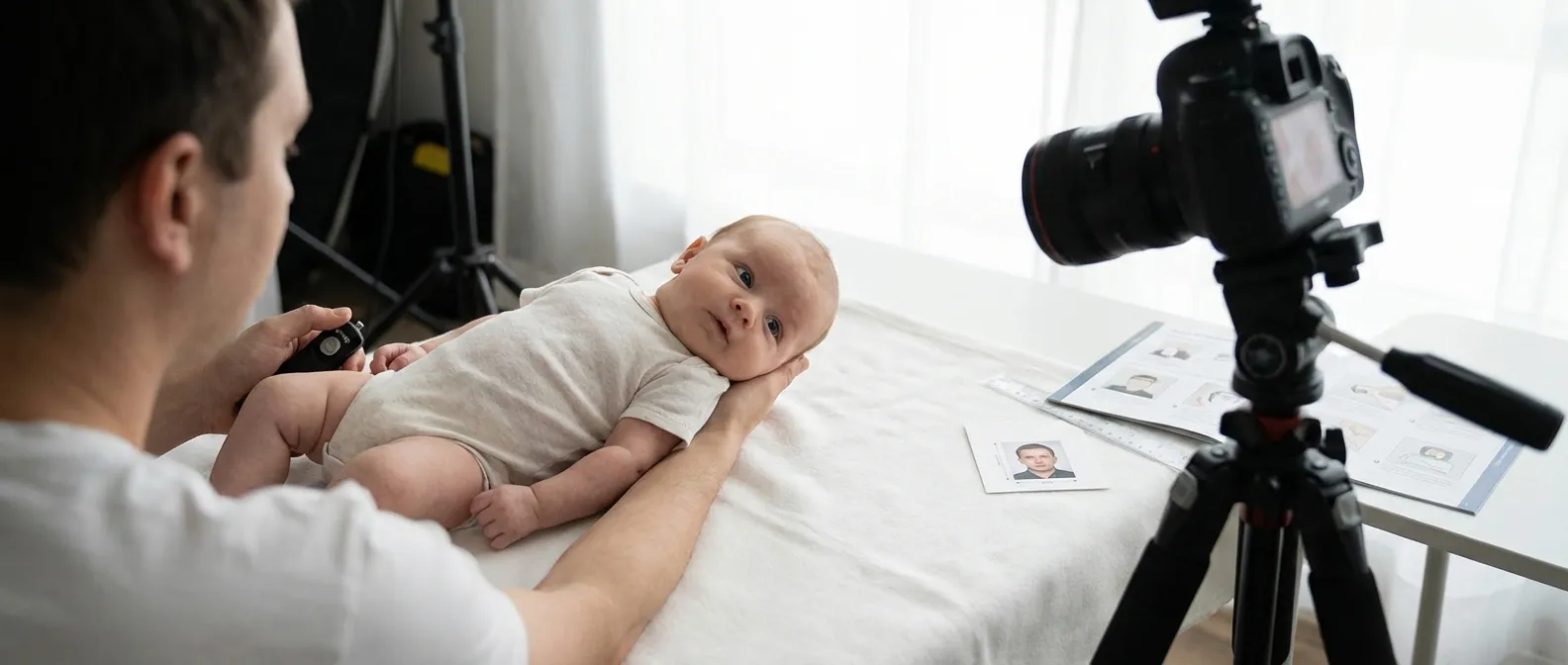
Photo Requirements for Infants and Young Children
The child must appear alone in the photo — no visible hands, arms, or bodies of parents. For newborns, lay the baby on a plain white sheet. Eyes should be open and directed at the camera, though some leniency is given for infants under 6 months. No toys, pacifiers, or other objects may appear in the frame.
A neutral expression is required for children as well, though strict enforcement is limited for very young infants. The white background and solo-subject rules are enforced without exception.
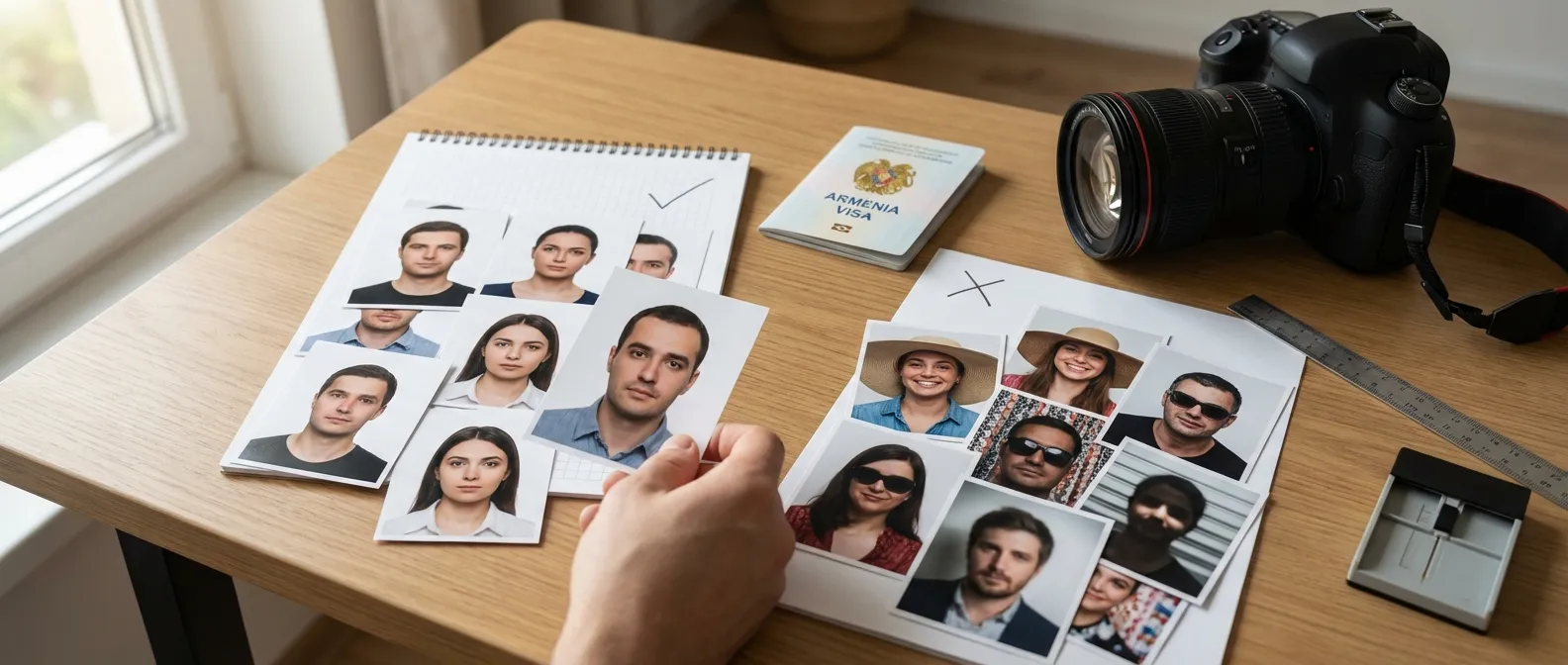
Armenia Visa Photo Dos and Don’ts
Follow this checklist before submitting your photo to avoid the most common rejection triggers.
- do use a plain white or light grey background,
- do ensure the photo is recent (within 6 months),
- do keep a neutral expression with mouth closed,
- don’t wear uniforms or camouflage clothing (unless religious attire),
- don’t let hair cover your eyes or eyebrows,
- don’t use flash that causes red-eye or glare on glasses.
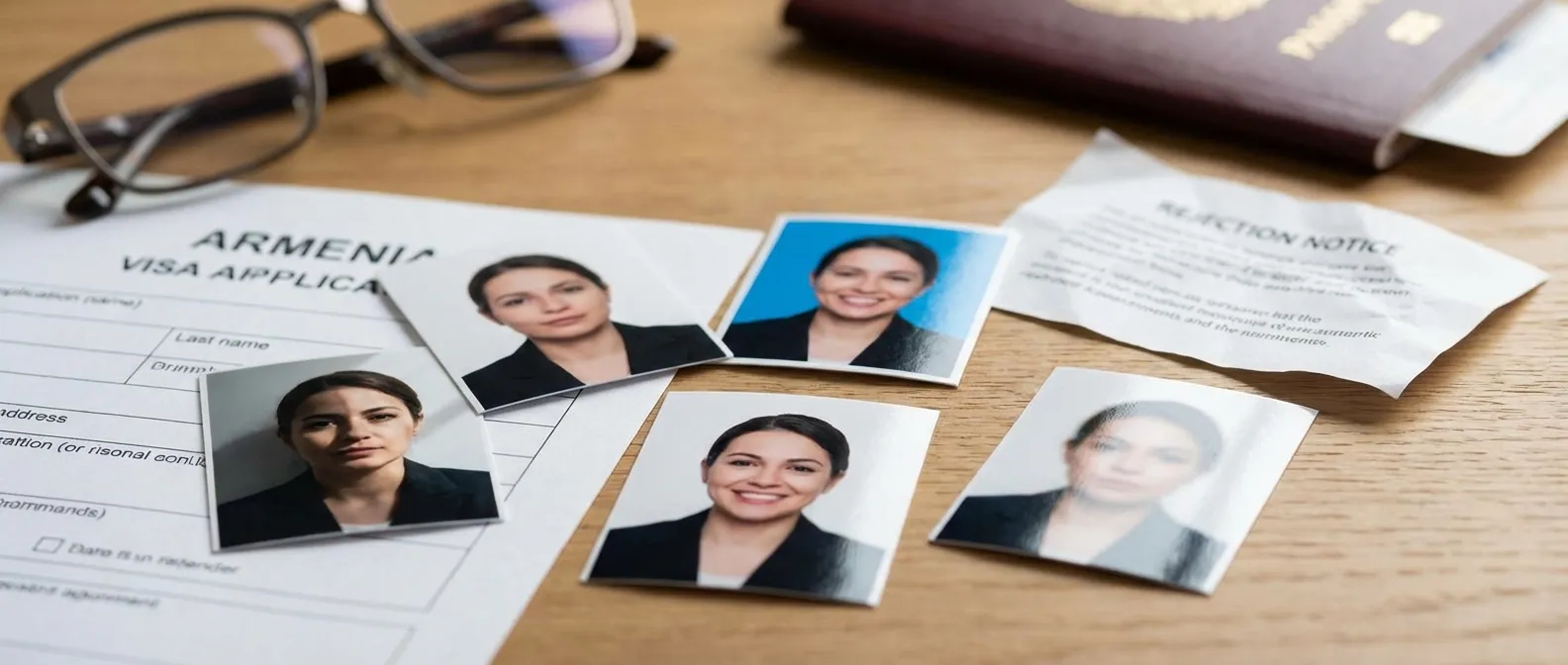
Common Reasons for Armenia Visa Photo Rejection
The 5 most common rejection reasons are: shadows on the face or background, blurry or low-resolution images, incorrect head size ratio (outside the 70–80% range), glare on glasses, and photos older than 6 months. Digitally altered photos are rejected automatically without review.
Poor print quality — images printed on standard office paper rather than matte or glossy photo paper — is also a frequent but avoidable rejection cause.
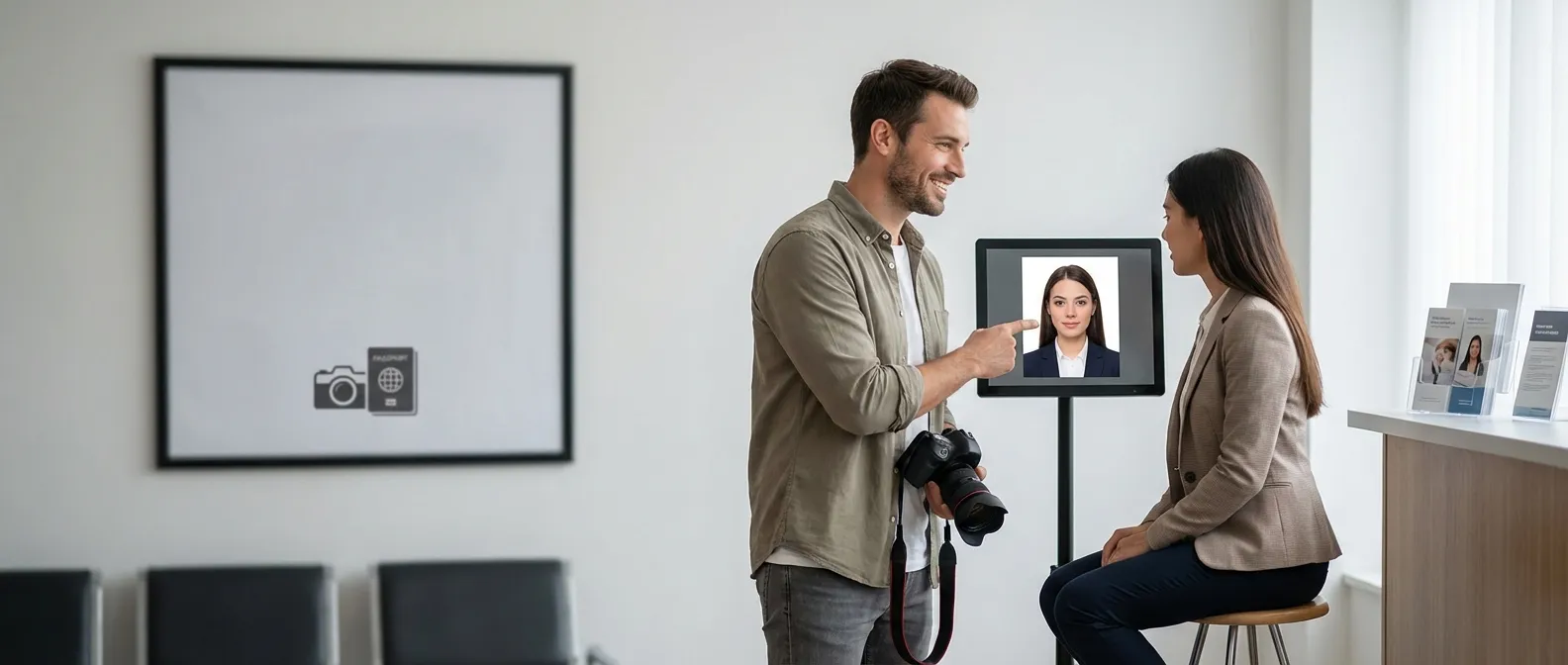
Where to Get a Compliant Armenia Visa Photo
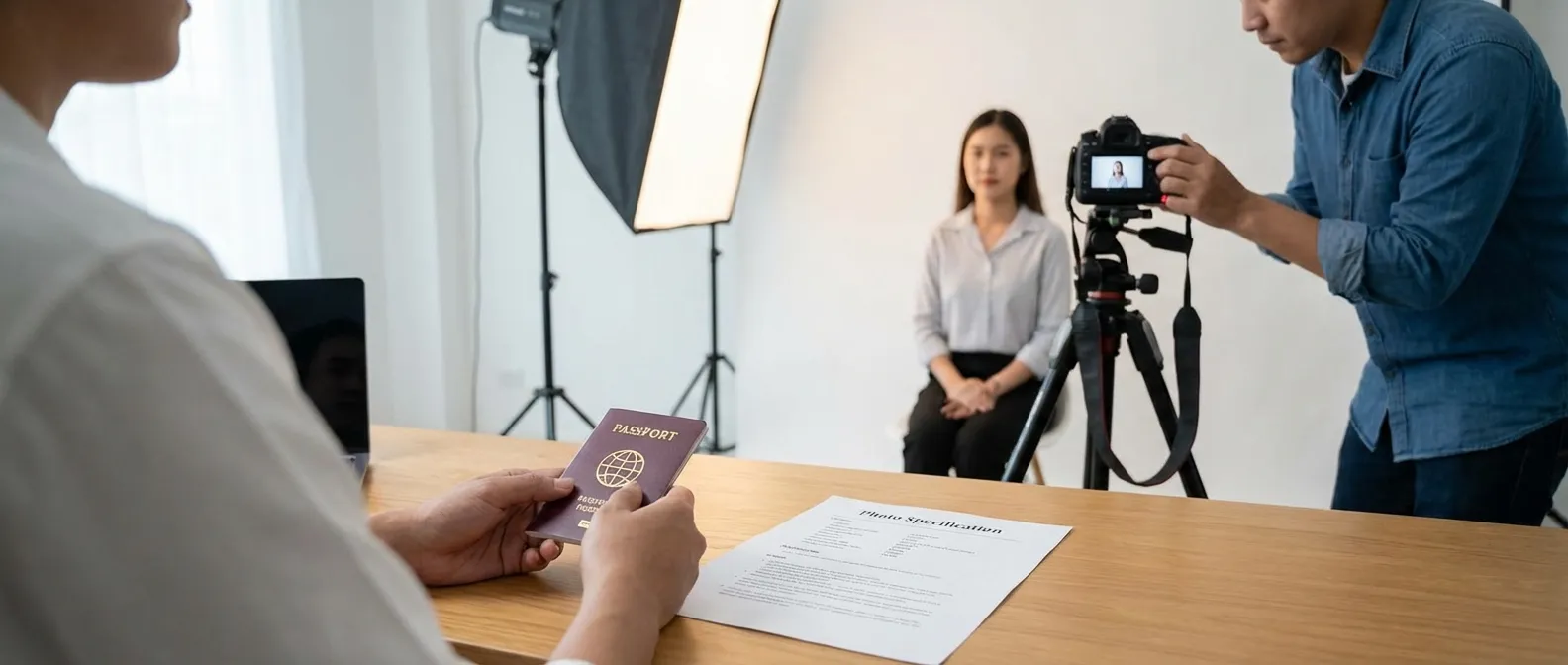
Three reliable options exist: a professional photo studio familiar with passport specifications, a pharmacy or shipping center photo booth configured for visa dimensions, or an online service such as Visafoto or the Atlys Armenia visa photo maker. Online tools automatically resize and adjust your photo to meet all technical requirements.
Professional studios typically charge 5–15 USD and produce same-day results. Online services cost 3–10 USD and deliver a downloadable file within minutes.
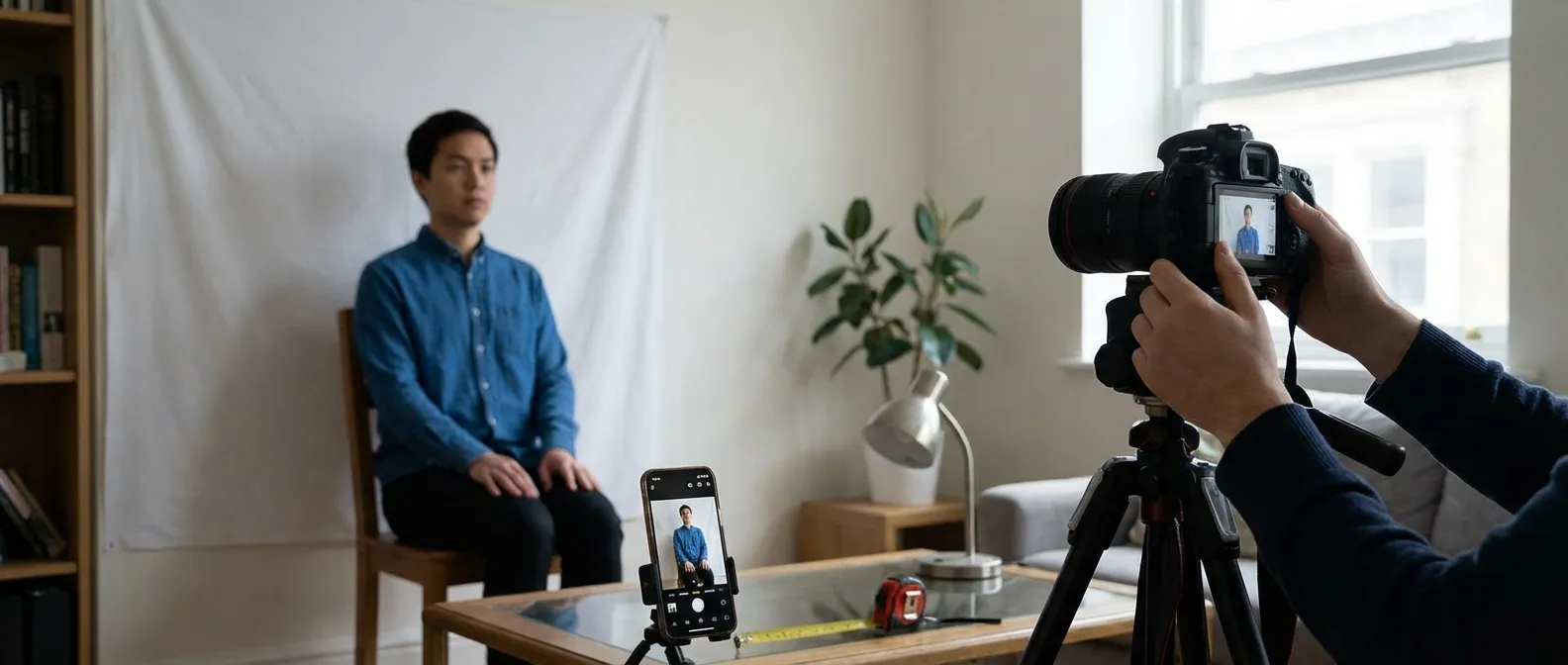
How to Take an Armenia Visa Photo at Home
Use a smartphone or digital camera on a tripod, standing 1–2 meters from a plain white wall. Use natural light from a window facing you — avoid direct flash. Capture with extra space around the head, then crop to 35mm x 45mm (print) or 600×600 pixels (e-visa). Keep your expression neutral and face the camera directly.
Natural window light from the front is the single most effective technique for achieving shadow-free, even lighting without professional equipment.
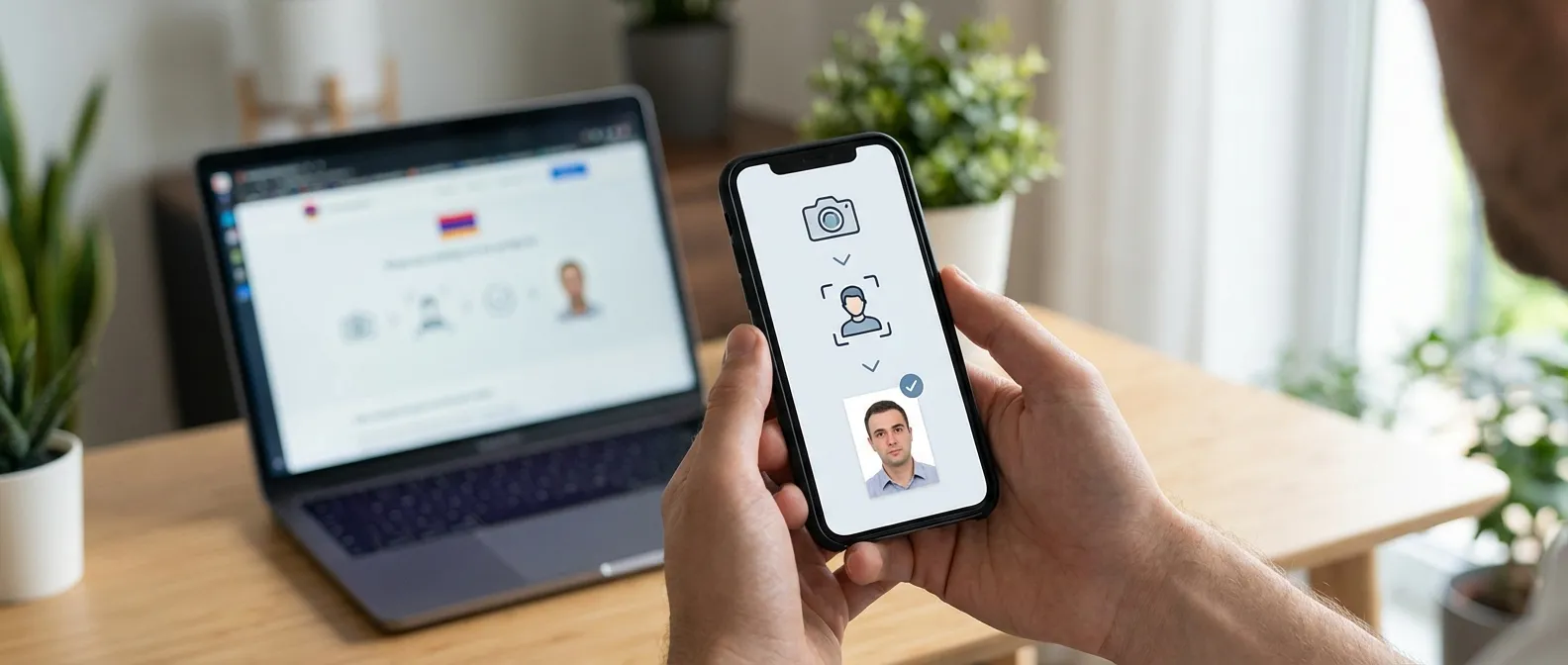
How the Atlys Armenia Visa Photo Maker Tool Works
Upload a photo from your gallery, and the Atlys tool automatically resizes, crops, and adjusts the image to meet Armenia visa photo requirements. It corrects head size ratio, ensures a uniform background, and outputs a download-ready file compliant with both print (35mm x 45mm) and e-visa (600×600 pixels) formats.
The tool handles all technical adjustments in under 60 seconds, eliminating the need for manual cropping or background editing.
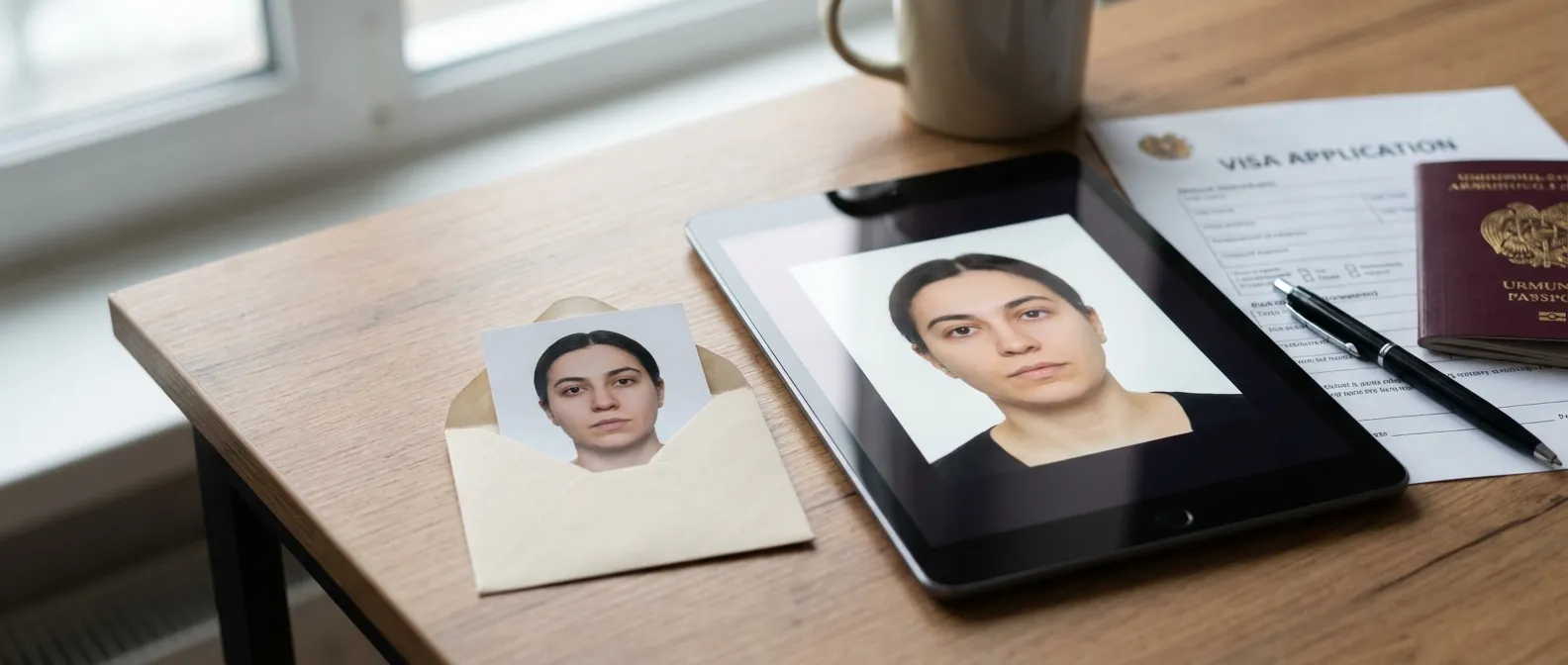
Printed Photo vs Digital Photo: What Armenia Visa Accepts
Consular office applications require 2 identical printed photos (35mm x 45mm) on matte or glossy paper. E-visa and online applications require a digital JPG or PNG file at 600×600 pixels, between 10 KB and 2000 KB. Confirm your application method before preparing your photo to ensure you produce the correct format.
Submitting a print-format photo for an e-visa application — or vice versa — is a preventable error that causes processing delays of 3–10 business days.
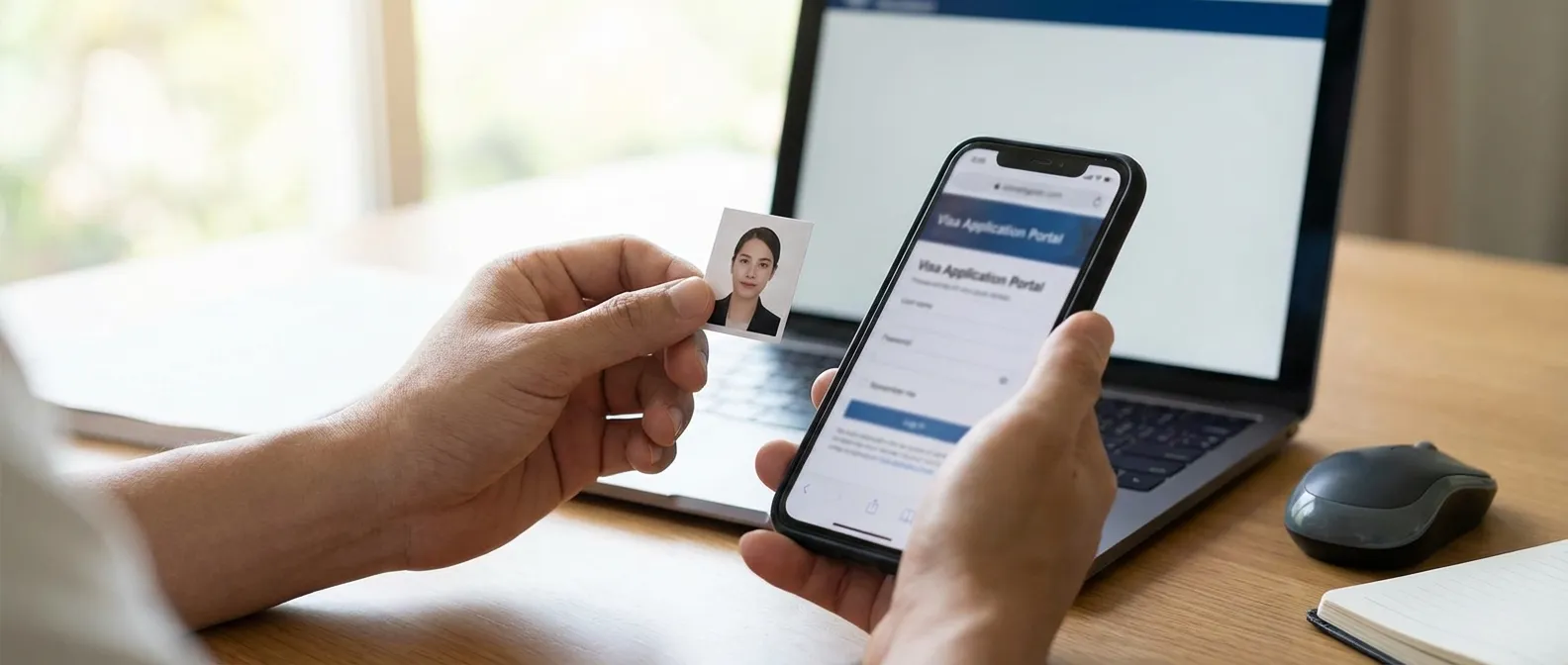
Photo Submission Steps for the Armenia Visa Application
For online applications: upload a JPG or PNG file with a simple filename when prompted. For paper applications: glue (do not staple) printed photos to the designated space on the visa application form. Check that photos are undamaged and uncreased before submission. Include a photo condition check in your pre-interview checklist.
Stapling damages the photo surface and creates visible marks that can trigger rejection. Use a small amount of glue stick applied to the back of the photo only.
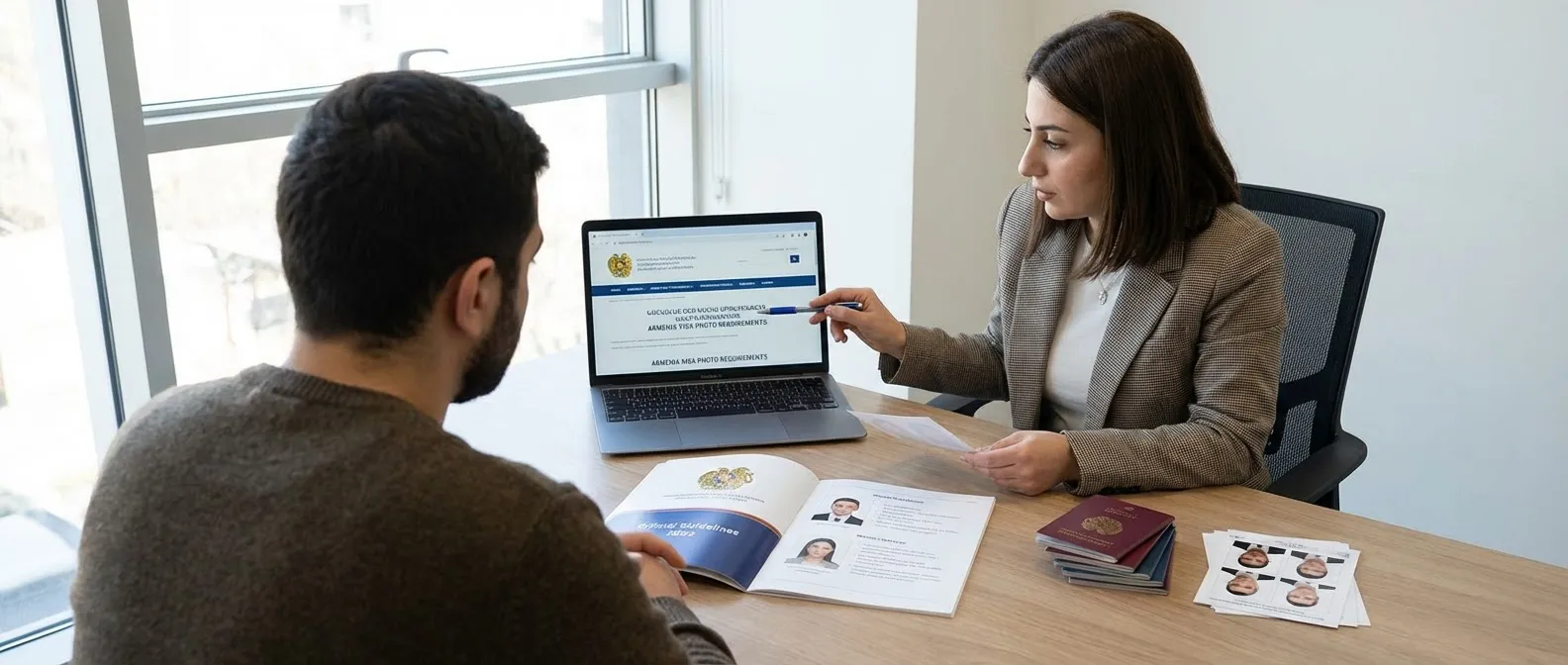
Latest Official Guidelines and Sources for Armenia Visa Photos
Always verify requirements directly with the Ministry of Foreign Affairs of Armenia or the Migration and Citizenship Service before applying, as technical specifications are updated periodically. The official e-visa portal and the U.S. Embassy in Yerevan also publish current photo standards aligned with international biometric requirements.
Official sources take precedence over third-party guides. Check the official e-visa website within 30 days of your application date to confirm no specification changes have been issued.
Planning to visit the Caribbean after Armenia? Travelers heading to Aruba should also be aware that entry requirements include completing an ED Card Aruba before arrival. Similarly, if you are assisting others with their travel documentation, note that the ED Card for Aruba must be submitted online prior to departure.